
Leaf It Alone Mods: Trainers, Cheats & Custom Mode Guide
Leaf it Alone mods fully explained: every trainer cheat available, how Custom Mode replaces most of them, and how to keep your achievements and saves safe.
Jump to
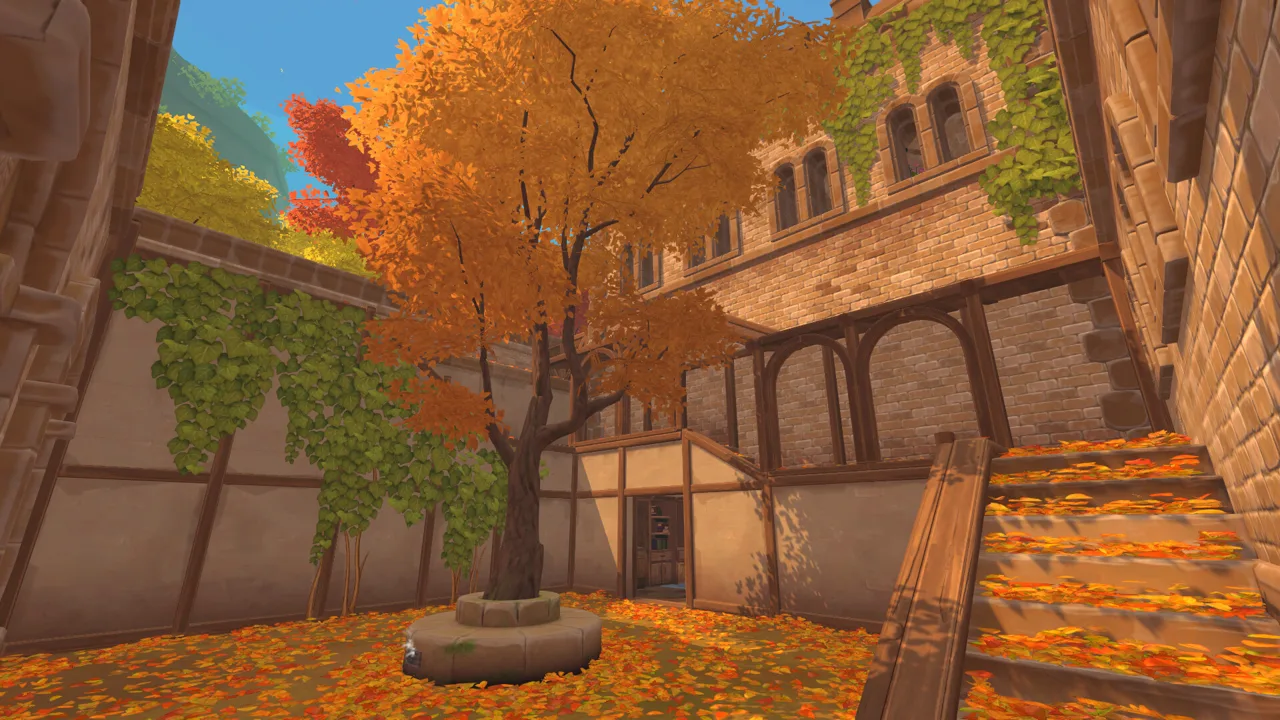
What Trainers and Cheats Exist for the Game
If you've ever hand-picked your 5,000th leaf and wondered whether there's a shortcut, Leaf it Alone mods are the obvious place to look. Right now that means a handful of trainers and cheat tables that change your money, your leaf bag and the game speed. Before you install anything, you should know that Version 1.1 added an official Custom Mode. It lets you change your starting money, tools and upgrades, and with the right settings it can still earn you achievements.
The game is a Windows-only release on Steam from the Polish studio Eternity, so every trainer below is a Windows app. The game itself is also Steam Deck Verified. On Deck, use Custom Mode's built-in options instead of a PC trainer.
Trainer Cheats Compared
Three trainer apps currently support the game. They differ mainly in how many toggles they offer:
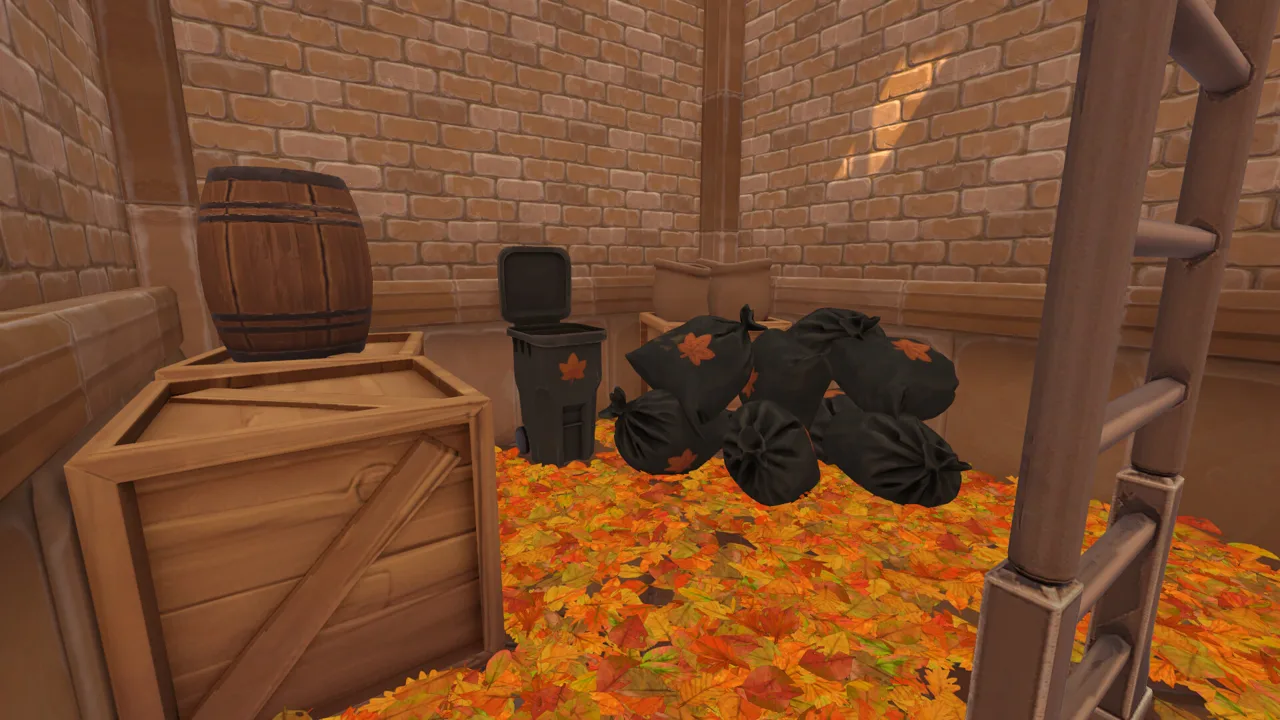 Image: Steam / Eternity
| Trainer | Cheats offered | Notable options |
|---|---|---|
| WeMod | 6 | Leaf Bag Never Full, Leaf Bag Never Decreases, Unlimited Money, Edit Money, Multiply Money Get, Game Speed |
| PLITCH | 3 (2 free) | Add Money (1.00$ = 100), Reset Money to 0 |
| Mod Engine (Leaf it Alone Mods v1.0) | Listed in-app | Used like a Cheat Engine table by selecting the Leaf it Alone.exe process; tested on the Steam version, no anti-cheat bypass included |
A few practical notes:
- Leaf Bag Never Full and Leaf Bag Never Decreases are the two inventory toggles in WeMod.
- Multiply Money Get boosts your income. If that's all you want, Custom Mode has a built-in income multiplier that needs no third-party software.
- Game Speed is WeMod's only game-wide toggle. Keep in mind the game relies heavily on your GPU to simulate leaves, so check that your system meets the minimum requirements.
- Reset Money to 0 sounds pointless, but use it for self-imposed challenges such as a hands-only, no-upgrade run.
Custom Mode: The Official Alternative to Cheats
Custom Mode arrived in the free 1.1 update on October 30, 2026, the game's first anniversary. The developers describe it as their take on New Game+. Before a run, you can change:
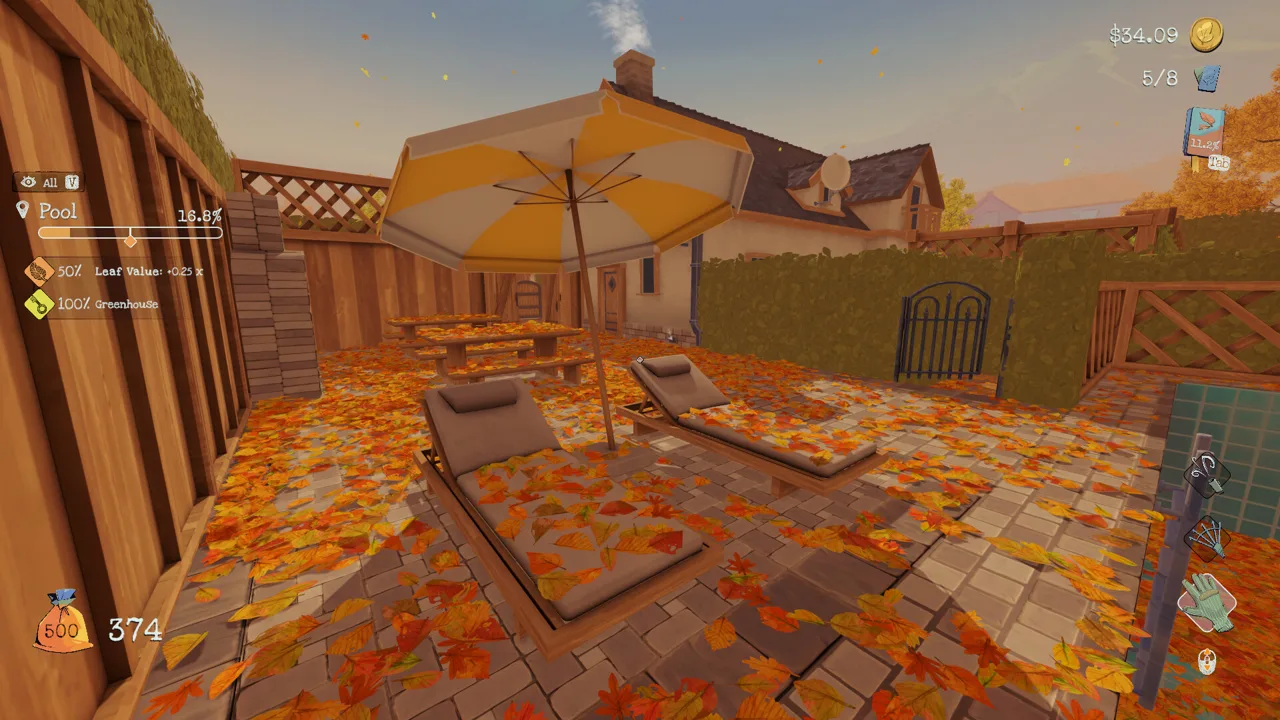 Image: Steam / Eternity
- your starting money
- the income multiplier
- which tools you start with (rake, leaf blower and so on)
- whether all tool upgrades are already unlocked
- whether every area is open from the start, along with its cleaning rewards
Since Patch v1.1.7, the "unlock all rewards" option also applies the total income multiplier from those area rewards when a Custom run begins.
Custom Mode unlocks per map once you've finished that map in Story Mode. If you completed the game before 1.1, the Hometown Custom Mode is available right away.
Even on default settings, Custom Mode has some features that speedrunners use:
- Cutscenes are skipped automatically.
- You can pick which map to play.
- You can restart directly from the Pause Menu.
You can pair these with the built-in game timer, which is off by default and can be turned on in settings. LiveSplit is also supported. Patch v1.1.7 fixed LiveSplit not starting automatically in Custom Mode.
Keeping Your Achievements Intact
There are 54 achievements across Hometown, Castle and Sakura, and the rules for earning them are strict:
 Image: Steam / Eternity
- Achievements unlock in Story Mode, or in Custom Mode with Ranked enabled.
- Ranked enforces the default ruleset, so any changed starting condition puts you off the leaderboard.
- Since Patch v1.1.7, achievements also unlock in Custom Mode without the Ranked toggle, as long as all parameters stay at their defaults.
In short, if you raise your starting money or unlock every upgrade, your progress won't count. If you want the money boost and still care about achievements, finish your achievement runs first. Experiment with trainers or a modified Custom run afterward, on a separate save slot.
The grindiest achievements are the ones players most want to cheat:
- Need for Sweep: finish Hometown in under 40 minutes.
- Work smart, not hard: earn an immense number of shekleaves.
- Craftsman: finish without repairing any leaf inlets.
For Work smart, not hard, the legitimate route is to clean the Entrance, Basement and Pool first. Each of these gives +25% leaf value. Keep your tied bags and don't sell them until all three bonuses are active.
Back Up Your Saves Before Modding
Trainers that edit money change your progress. Copy your save folder before you toggle anything. Save files use the .bytes extension and live here:
| Access method | Location |
|---|---|
| In-game | Load Panel → folder icon at the top ("Open Saves Folder") |
| File Explorer | C:\Users\<your_pc_name>\AppData\LocalLow\Eternity\Leaf it Alone\Saves |
Some tips for managing saves:
- Keep a clean slot. You get 10 save slots, and New Game is blocked once all 10 are taken.
- Use the save path to restore files. Shared community save files work the same way: drop the
.bytesfile into the Saves folder and it shows up in the Load Panel. - Keep a local backup. The game uses Steam Cloud, so store a copy of your clean saves outside the Saves folder.
- Keep old files. Pre-1.1 saves are fully compatible with the current version.
FAQ
Do trainers add new maps or tools?
No. The trainers listed here only change values such as money, bag capacity and game speed. New content comes from official updates. Version 1.1 added the Castle and Sakura maps, bringing the total to around 500K leaves across all three maps.
What can Custom Mode change without a trainer?
It changes your starting money, income multiplier, tools, upgrades and area access without any third-party software. On default settings with Ranked enabled, it still counts toward achievements and leaderboards.
Can I use trainers on Steam Deck?
The trainer apps are Windows software. On Steam Deck, use Custom Mode's starting-money and income-multiplier options instead.
Where do I get the game?
Leaf it Alone on Steam is the official store page. The 1.1 update with Custom Mode and the two new maps is free for everyone who owns the game.
Continue exploring
Leaf It Alone Skill Tree: Every Upgrade and What to Buy
Our Leaf it Alone skill tree guide breaks down every hand, rake, leaf blower, bag and tractor upgrade, plus area bonuses and the best order to buy them.

Leaf It Alone Upgrade Costs: Every Tool and Upgrade Price
Every Leaf it Alone upgrade cost in one place: tool, hand, rake, leaf blower and leaf inlet prices, plus tips on what to buy first on each map.
Join the community
Official channels for news, updates and player help: