
Leaf It Alone Steam Guide: Requirements, Deck & Update 1.1
Discover Leaf it Alone on Steam: specs, Steam Deck support, the free 1.1 update with Castle and Sakura maps, Custom Mode, save files, and common fixes.
Jump to
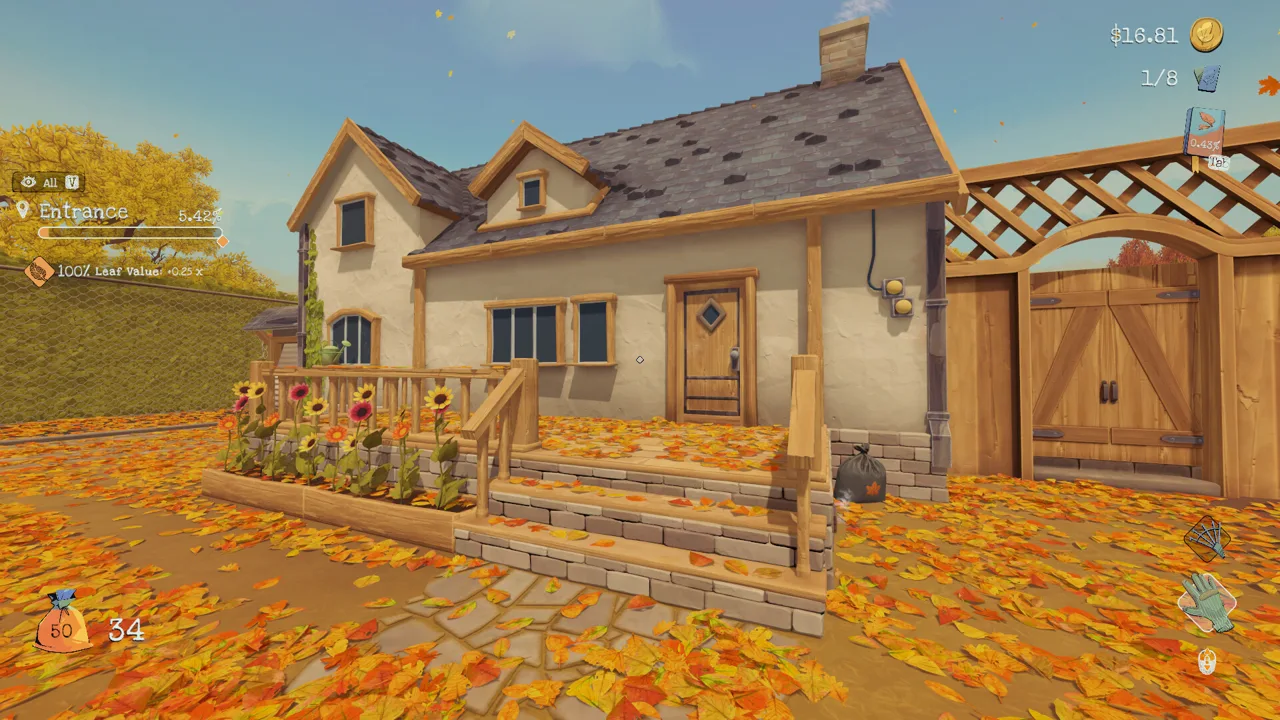
What You Get With Leaf it Alone on Steam
Raking leaves sounds like a chore, but this cozy incremental sim makes it oddly satisfying, and it just got a big free update. This Leaf it Alone Steam guide covers what the PC version runs on, how it plays on Steam Deck, what the 1.1 update added, and how to fix the problems players run into most.
You start with your bare hands and pick up leaves one at a time, trading full bags for "shekleaves," the in-game currency. That money buys hand upgrades, bigger bags, a rake and eventually a leaf blower. Each cleared area hands out a reward: a sprint, crouch or bag-tying ability, a movement speed boost, a leaf value bonus, or a key to the next part of the yard. The yard starts out slow, then turns into a wave of leaves pouring into the inlets.
The game is developed and self-published by Eternity, a small independent team with no publisher behind it.
| Store detail | Value |
|---|---|
| Release date | Oct 30, 2025 |
| Developer / Publisher | Eternity |
| Genres | Casual, Indie, Simulation |
| Platform | Windows (Steam Deck Verified) |
| Achievements | 54 |
| Controller support | Full (DualShock and DualSense supported) |
| Other Steam features | Steam Cloud, Steam Leaderboards, Stats, Family Sharing, Save Anytime |
| Languages | English, French, German, Traditional Chinese, Simplified Chinese, Polish, Russian, Portuguese - Brazil, Italian, Spanish - Spain, Czech, Japanese, Korean |
You can find it on the Leaf it Alone Steam store page.
PC System Requirements
Leaf it Alone runs its leaf physics on the GPU, so your graphics card matters far more than it does in most casual games. The developers have said that hardware below spec is the main reason for poor performance. Integrated graphics are a gamble.
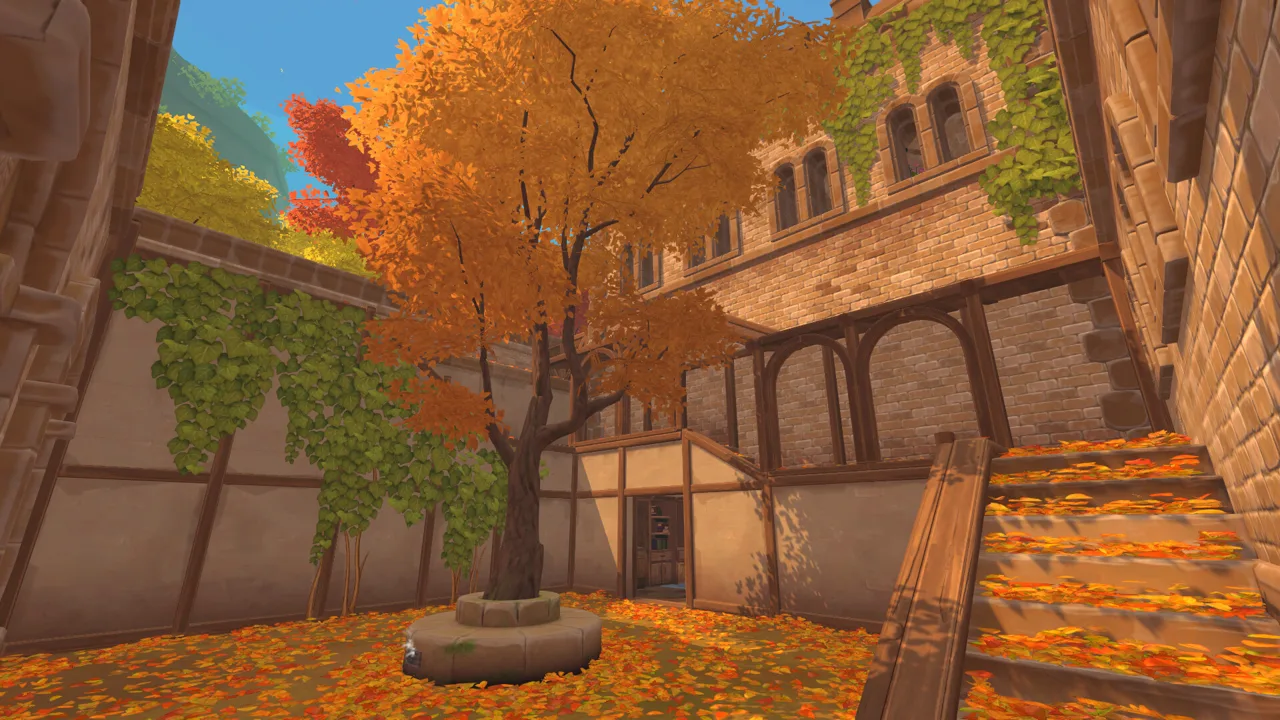 Image: Steam / Eternity
| Component | Minimum |
|---|---|
| OS | Windows 10 |
| Processor | Intel Core i3-8100 or AMD Ryzen 3 1200 |
| Memory | 4 GB RAM |
| Graphics | NVIDIA GeForce GTX 960 |
| Storage | 2 GB available space |
Before you blame the game for stutters, run through this checklist:
- Use a dedicated graphics card that meets the minimum spec.
- Make sure Windows is actually running the game on that card, not on onboard graphics.
- Plug your monitor into the graphics card's port, not the motherboard's.
Large piles are the heaviest load. Blowing the entire Greenhouse through the Maze into one inlet is the scenario the developers optimized against, so expect your frame rate to dip there on weaker hardware.
Steam Deck, Linux and Mac
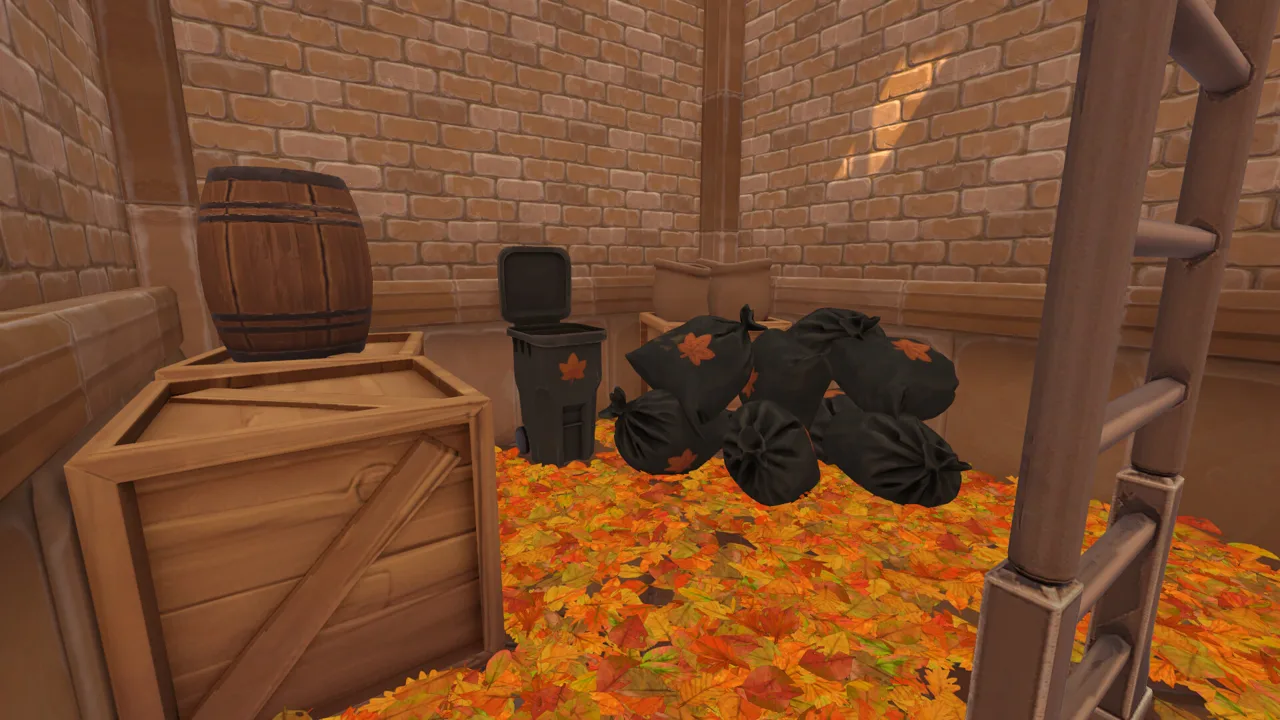 Image: Steam / Eternity
Steam Deck: The game earned the Steam Deck Verified badge in patch 1.0.12. That same patch added a Deck-specific settings layout with improved legibility and fixed a bug where leaves behaved like a fluid on the Deck. Later patches removed the display mode settings on Deck, since only one option was available, and stopped desktop input prompts from appearing after you touch the screen. Windows and Steam Deck are the only officially supported platforms.
Linux: Running through Proton may work, but it isn't officially supported. If you hit problems on Linux or the Deck, switch to Proton Experimental. Players have reported that it fixes issues. Patch 1.1.8 also improved how the game handles save file paths on Linux.
Mac: There's no macOS version on Steam.
If motion makes you queasy, turn on Motion Comfort in Settings. It reduces the field-of-view changes when you sprint and disables head bobbing.
The Free 1.1 Update: Castle, Sakura and Custom Mode
Update 1.1 launched on October 30, 2026, the game's first anniversary. It's free for everyone who owns the game, and it debuted alongside a 50% discount. New content was the #1 request the developers saw from players after launch.
 Image: Steam / Eternity
Two new maps. Hometown, the original yard, now leads into a Castle map and a Sakura map. The three maps hold roughly 500,000 leaves combined; Hometown alone has over 100,000. The Castle mixes in small activities between areas, including a crossbow range, a flower petal sorting table, a memory game, mosaics and a sliding puzzle. Sakura also brings a tractor, and patch 1.1.7 lowered the prices of some tractor upgrades.
Custom Mode (New Game+). Story Mode still plays the maps in order. Custom Mode unlocks for a map once you finish it in Story Mode, and it lets you set:
- Starting money
- Income multiplier
- Which tools you start with
- All tool upgrades unlocked
- Access to every area along with its cleaning rewards
If you had already finished the game before 1.1, Custom Mode for Hometown is available right away. Old saves carry over.
Achievements in Custom Mode. Turning on the Ranked toggle enforces the default rules, so achievements unlock and your runs count on the leaderboards. Ranked Custom runs also skip cutscenes automatically, let you pick a map, and let you restart from the Pause Menu. Since patch 1.1.7, achievements also unlock in Custom Mode without Ranked, as long as you leave every parameter at its default.
Quality-of-life additions:
- Keyboard and gamepad rebinding
- A built-in timer that shows your best time for Any%, All Leaves or All Objectives. It's off by default; turn it on in Settings.
- LiveSplit support on every map
- A separate hold/toggle setting for tools and for abilities, so you can toggle cleaning but still hold to crouch and sprint
- Three colorblind modes
- A higher mouse sensitivity ceiling
- An invert X axis option alongside the existing invert Y axis
- A redesigned UI, plus a fix for the stutter when blowing leaves into inlets (it turned out to be an audio problem)
Recent Patches
The two developers handling the post-launch work pushed several fixes in the first week after 1.1.
| Date | Patch | Notable changes |
|---|---|---|
| 2026-11-06 | v1.1.8 | Fixed spots where the tractor got stuck, improved Linux save path handling, made player data load correctly for each player |
| 2026-11-05 | v1.1.7 | Fixed black screen on load, fixed crash on low-end PCs when picking up leaves, lowered some tractor upgrade prices, made raking easier in certain spots, fixed Sakura leaves reappearing after loading a save, Custom Mode achievements without Ranked |
| 2026-10-30 | 1.1 | Castle and Sakura maps, Custom Mode, rebinding, game timer, accessibility options, UI overhaul |
Achievements Worth Knowing About
The game launched with 18 achievements on Hometown. Each new map added its own set, bringing the total to 54. A few deserve planning before you start:
- Need for Sweep: finish Hometown in under 40 minutes. It's the hardest one in the game, and it only counts the first map, not all three. Pausing stops the timer. You also don't need to clear every area, only the route to the secret room.
- Work smart, not hard: earn $700 in a single Hometown run. Clear the Porch first to unlock bag tying. Then stockpile tied bags and don't cash them in until you've finished the Entrance and reached 50% in both the Basement and the Pool, since each grants a +25% leaf value bonus.
- Craftsman: reach the end of Hometown without repairing a single leaf inlet. You can do it in the same run as Work smart, not hard.
- Say Leaf!: find all eight hidden photos. The one inside the scarecrow's coat in the Greenhouse is easy to overlook.
Don't crawl into the Hometown secret room until you've finished everything you want on that map. It ends the run.
Save Files and Fixing Common Issues
Saves use the .bytes extension. You can open the folder in two ways:
- In the game, open the Load panel and click the folder icon at the top.
- Browse to
C:\Users\<your_pc_name>\AppData\LocalLow\Eternity\Leaf it Alone\Saves
Copy that folder before you attempt speedruns or missable achievements so you can roll back after a mistake. The game supports up to 10 save slots.
Stuck at 99.9%? The last leaf is almost always still on the map. It just ended up somewhere unexpected. Each leaf belongs to its original area wherever you blow it, so it can sit in a completely different part of the yard. Toggle leaf visibility to highlight it, then check these spots:
- Under grill tables and around benches
- In the sunflower pots
- Along the edge of the shed roof
- Under the ivy
- On top of hedges, which is a common culprit in the Sakura garden
Some players have found their missing leaf after simply reloading the save.
Journal won't open on a controller? Opening the Steam overlay with Shift+Tab can lock out the journal button. Restarting the game restores it.
If nothing works, the developers prefer support requests through their Discord, or you can email support@eternitygames.net and attach your save file.
FAQ
Do I need to buy the Castle and Sakura maps separately?
No. Update 1.1 is free for everyone who owns the game. To reach the Castle you need to clear Hometown in Story Mode, because the maps unlock in sequence.
Will my old saves still work after the 1.1 update?
Yes. Pre-1.1 saves are fully compatible, and the Load menu now shows which map and mode each slot uses.
Can I play Leaf it Alone with a controller?
Yes. The game has full controller support, including DualShock and DualSense, and you can rebind gamepad buttons since update 1.1.
Continue exploring
Leaf It Alone New Map Guide: Castle and Sakura Explained
The Leaf it Alone new map update adds Castle and Sakura. Discover area unlocks, all 16 card locations, puzzle solutions and mini tractor tips for Sakura.
Leaf It Alone Photo Locations: All 8 Mysterious Photos
Find all 8 Mysterious Photos for Say Leaf! with our Leaf it Alone photo locations guide, plus every Castle and Sakura card spot. Grab them all quickly.
Join the community
Official channels for news, updates and player help: